Free Printable Sticker Packs for Planners (2026 Edition)
The best free printable kawaii sticker packs for planners in 2026 — download as PDF, print at home, and decorate your spreads today.
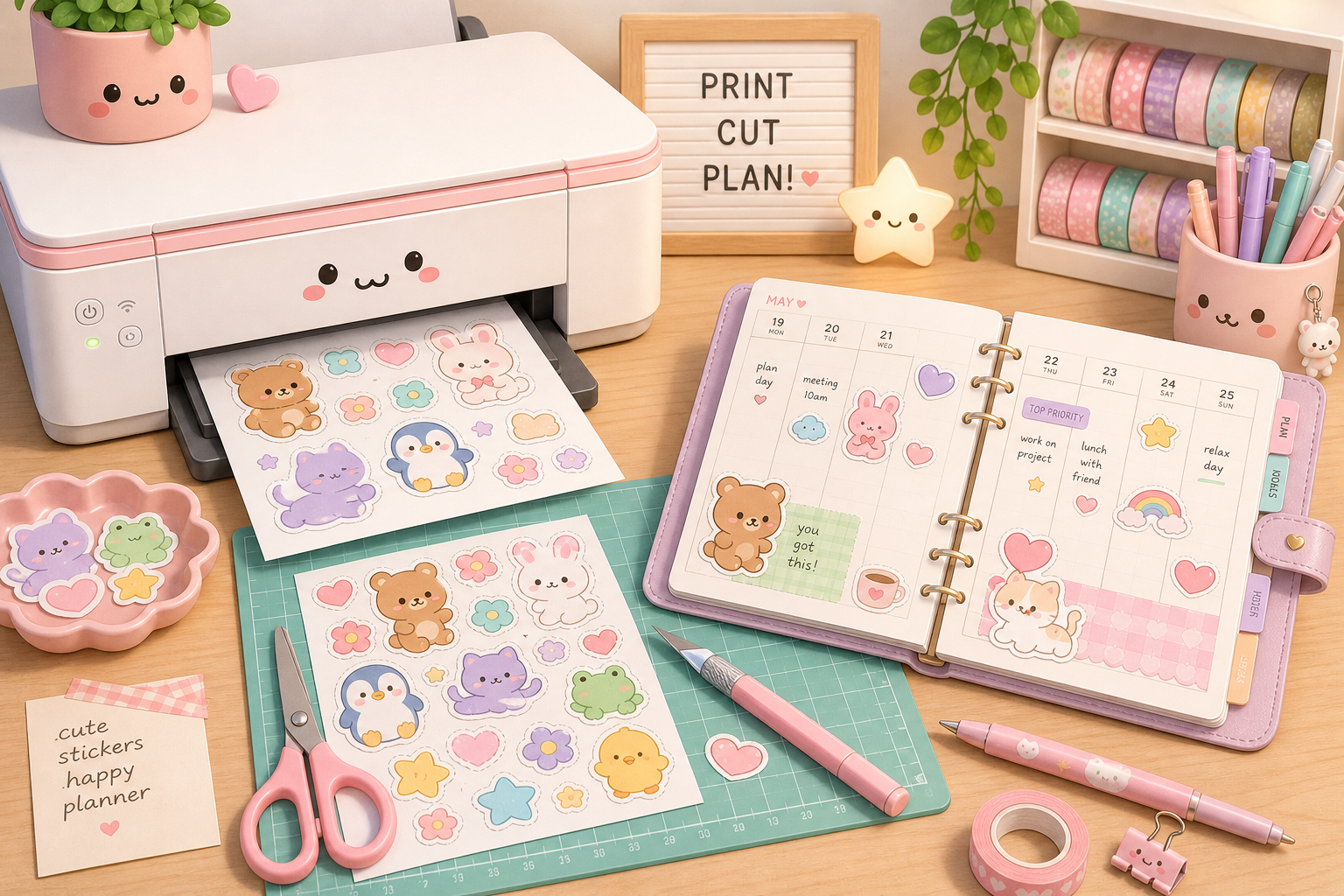
Free printable stickers actually exist — and they're beautiful
The printable sticker world is genuinely amazing right now. You no longer have to spend $10–15 on a pack of stickers from a shop and wait two weeks for shipping. You can download, print, and be decorating within 30 minutes. And many of the best printable packs are completely free.
This site — stickerpacks — is one of those sources. Every single pack here is free to download as a print-ready PDF or a digital PNG. No email required, no subscription, no catch. Just beautiful kawaii stickers for your planner.
Here are the packs that work best for planner setups, why each one stands out, and how to print them at home without stress.
The best free printable sticker packs for planners
For day-of-week labels
Kawaii Days is the most functional planner pack on the site. It gives you 28 day-of-the-week stickers — four adorable variants per day, each paired with a different kawaii animal friend. If you use a weekly planner with labeled columns, this pack removes the need to ever write "Monday" through "Sunday" by hand again.
The landscape format prints perfectly on a standard letter sheet, and the individual stickers are sized to fit above standard planner column widths.
For monthly headers
Kawaii Months gives you all 12 monthly header stickers, each with a seasonal chibi bear and matching color palette. These are designed for the top of monthly spreads, but they also work beautifully on monthly planner covers, divider pages, and desk calendar headers.
Print one sheet, cut out all 12 months, and you have a full year of monthly headers ready to use in advance.
For weekly and daily spreads
Rainbow Planner is the Swiss Army knife of planner sticker packs. 24 functional stickers including hearts, clouds, rainbows, checkboxes, priority flags, and section dividers — all in a cohesive pastel palette. These work with almost any planner style and any color scheme because the soft pastels complement rather than compete.
If you're starting with one pack, make it this one. It solves every "I need a visual divider here" and "I want to mark this as important" moment in your planner.
For study and work planning
Study Buddy — 18 stationery-themed kawaii stickers including books, pens, graduation caps, and motivational labels — is perfect for academic planners, work planning journals, and project trackers. The stickers are specifically sized for planner boxes and header areas.
How to print sticker packs at home
What you need
- A standard inkjet or laser printer
- Full-sheet label paper (sticker paper) — available at office supply stores and online
- Scissors or a craft knife and cutting mat
Print settings
The most important setting: turn off page scaling. Look for "actual size," "100%," or "no scaling" in your print dialog. If you let the printer "fit to page" or "scale to fit," your stickers will print slightly smaller than intended, which throws off how they fit in your planner boxes.
Set print quality to "best" or "photo" for the sharpest colors.
Paper types
Matte sticker paper is the best choice for planner stickers. It photographs beautifully, has a soft look that matches the kawaii aesthetic, and is much less prone to showing fingerprints than glossy.
Glossy sticker paper gives richer color saturation and a more polished look, but smudges more easily. Good for display pages and covers; less practical for everyday planner use.
Cutting tips
For packs with a regular grid layout (like the 5×4 grids in the Kawaii Days and Kawaii Months packs), a guillotine paper cutter makes short work of the straight cuts. Cut row by row, then column by column.
For irregular sticker shapes, small embroidery scissors give you the most control. Don't try to cut out every sticker in one go — work methodically left to right across each row.
Organizing your printed stickers
Once you've cut your stickers, you need somewhere to store them so they're accessible during journaling sessions.
Small ziplock bags organized by pack work well for beginners. Label each bag with the pack name and keep them in a small box or tin.
Ring binder with card inserts — backing paper sheets slid into card protectors — is the most "professional" storage approach. You can flip through pages to find the sticker you want while keeping them all on the backing sheet.
Project pockets in the back of your planner are great for keeping the current month's stickers immediately accessible.
Why free printable sticker packs are the smart choice
Beyond the obvious cost saving, printable sticker packs have a huge practical advantage: you can print duplicates. If you use the same sticker heavily — a priority flag, a "bills paid" marker, a monthly header — just print another sheet. You'll never run out of your favorites, which is a genuine problem with physical sticker packs.
You can also print at different scales. Print a pack at 80% for tiny planner books, or at 120% for A5 spreads that need bigger stickers. The vector-quality artwork in these packs holds up beautifully at any size.
You might also enjoy
- Printing Stickers at Home Without the Headache — detailed guide to paper, settings, and cutting
- How to Use Kawaii Stickers in Your Bullet Journal — ideas for every bullet journal section